Is OpenClaw actually useful, or just hype?
TL;DR
- OpenClaw is a new open-source AI framework for building web components from natural language prompts
- It's genuinely good at scaffolding — layout, basic interactivity, and responsive structure come out clean
- It falls apart on anything visual — custom animations, brand-specific design, and pixel-level polish still need a human
- Best use case right now: internal tools and prototypes, not client-facing production sites
Every few months, a new AI tool shows up and the internet loses its mind. This time it's OpenClaw — an open-source framework that generates web components from plain English prompts. The demos look incredible. The Twitter threads are breathless. So we did what we always do: we actually used it.
We spent a full week building with OpenClaw on three different project types. Short version: it's useful, but not for everything.
What OpenClaw actually is
OpenClaw is a code generation framework, not a no-code builder. You write prompts in natural language, and it outputs React components with Tailwind CSS. Think of it as a very smart scaffolding tool — you describe what you want, and it writes the first draft.
It's open-source, runs locally, and doesn't phone home with your code. That alone puts it ahead of most AI coding tools for anyone working with client projects.
Where it genuinely shines
Layout generation is where OpenClaw earns its keep. We prompted it for a pricing page with three tiers, feature comparison table, and a FAQ section. What came back was... actually good. Clean markup, sensible class names, responsive out of the box.
For internal tools and admin dashboards, it's borderline magic. We described a data table with sorting, filtering, and pagination in about 40 words. The output needed maybe 20 minutes of cleanup. That's a component that would've taken 2-3 hours to build from scratch.
Form generation is solid too. Multi-step forms with validation, conditional fields, file uploads — it handles the boring structural work so you can focus on the UX details that count.
Where it falls apart
Here's where the demo-to-reality gap shows up.
Anything that requires visual nuance — custom animations, brand-specific color systems, the kind of micro-interactions that make a site feel polished — OpenClaw can't do it. Not yet, anyway. It generates functional components, not beautiful ones.
We tried generating a hero section — the kind you'd put on a real marketing site. The structure was fine. But the gradient was generic, the spacing felt off, and the typography choices were... let's call them "safe." It looked like a template. Nobody's paying for template-quality work.
Complex state management is another weak spot. Once you need components talking to each other, sharing state across a page, or handling edge cases in user flows, OpenClaw's output starts requiring so many edits that you might as well have written it yourself.
The real question: does it save time?
Yes, but only in specific situations.
For scaffolding new components — especially data-heavy ones like tables, forms, and dashboards — it saves 30-50% of the initial build time. That's real. We measured it across six components during our test week.
For client-facing production work — landing pages, marketing sites, anything where design quality matters — the time savings disappear. You spend so long fixing the output that you're back to square one, plus you've now got someone else's code conventions in your project.
The sweet spot we found: use OpenClaw for the first draft of structural components, then rewrite the styling and interaction layer yourself. Treat it like a very fast junior developer who's great at HTML structure but has no design taste.
How it compares to what we already use
We've been using Claude Code and Cursor for most of our AI-assisted development. Here's the honest comparison:
Claude Code is better for complex logic, debugging, and working within an existing codebase. It understands context better and writes code that fits with what's already there.
OpenClaw is better for generating net-new components from scratch when you want a complete, working starting point rather than line-by-line assistance.
Cursor sits between the two — good at both, best at neither. Still our daily driver for general development.
None of these tools replace knowing what good code looks like. They all produce output that needs a human with taste and experience to review, refine, and ship.
Our verdict
OpenClaw is genuinely useful. It's not going to replace developers, and it's not going to produce client-ready work on its own. But for internal tools, prototypes, and getting past the blank-file problem on structural components, it's a real time saver.
We'll keep using it for specific tasks. We won't be rebuilding our workflow around it.
If you're a developer evaluating it: spend a day building something real with it. Not a demo, not a tutorial project — something you'd actually ship. You'll figure out pretty quickly where it fits in your process.
If you're a business owner wondering if AI tools like this mean you don't need developers anymore: no. These tools make good developers faster. They don't make non-developers into developers. The judgment calls — what to build, how it should feel, what's actually good enough to ship — that's still a human job.
Keep reading
Webflow's 2026 updates: the good, the meh, and the missing
Webflow shipped a lot this year. New CMS features, AI tools, localization, and a reworked editor. Some of it's great. Some of it's half-baked.
Shopify Winter '26: 150 updates, 7 worth knowing
Shopify dropped 150+ updates in their Winter '26 Edition. Most of them you'll never notice. Here are the 7 that'll actually change how you run your store.
5 web dev trends we're paying attention to in 2026
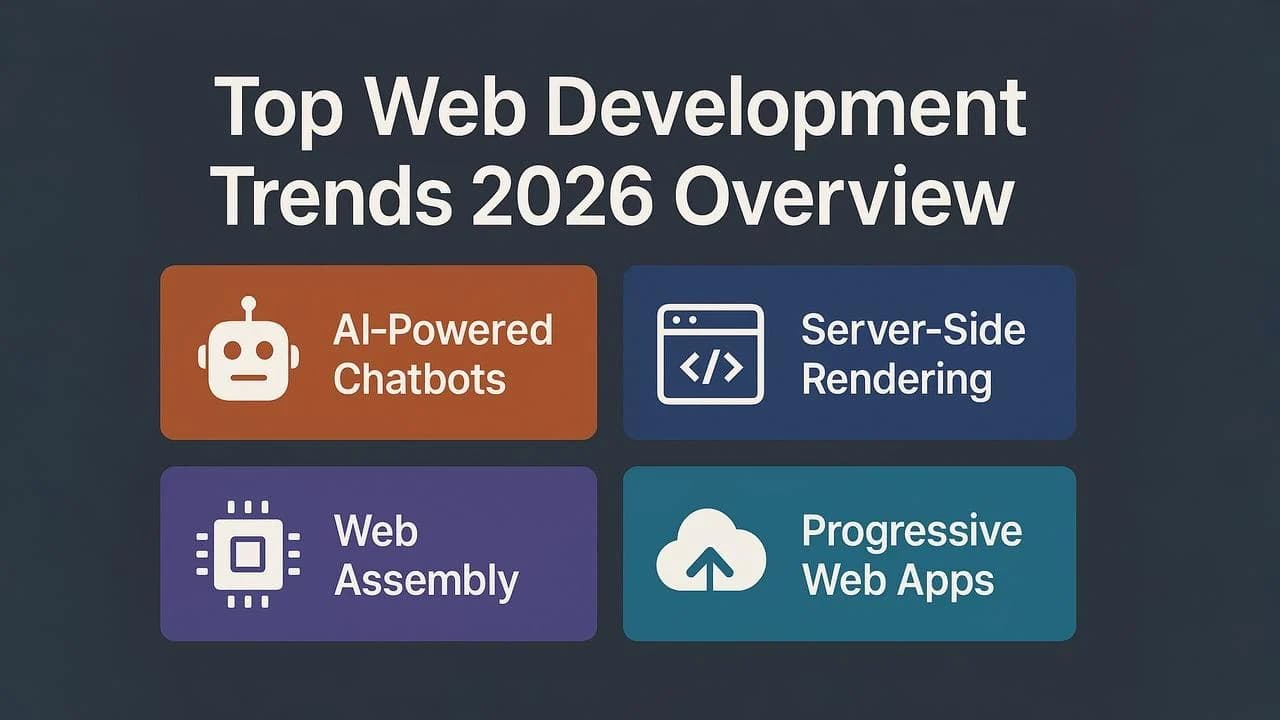
Every year, someone publishes a '10 trends' list full of things that won't affect your business for another five years. This isn't that list. These five things are changing how we build sites right now.